






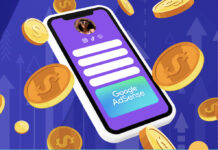



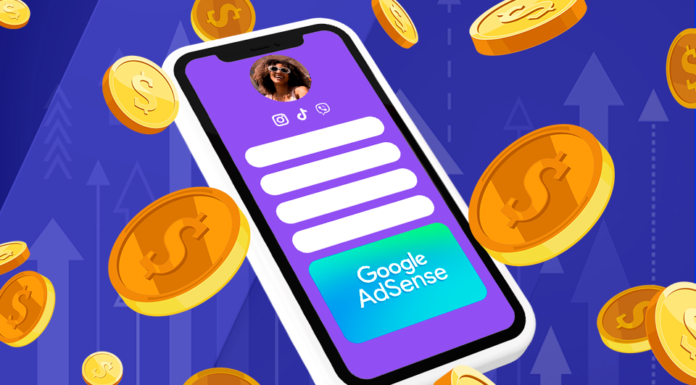
Como ganhar dinheiro com o HeyLink.me e o Google AdSense Premium?
O HeyLink.me fez uma parceria exclusiva com o Google para permitir que você ganhe dinheiro exibindo anúncios em sua página HeyLink.me.
How to Add Clickable Link in Clubhouse Bio in 2021 Using HeyLink.me?
If Instagram is for photos, TikTok is for videos and Twitter is for sharp one-liners, Clubhouse is for audio. It’s a...
What to do if your HeyLink.me was banned by Facebook by mistake?
Sometimes it happens that automatic spam detection tools may ban legitimate URLs by mistake. This is related not only to HeyLink.me, but...
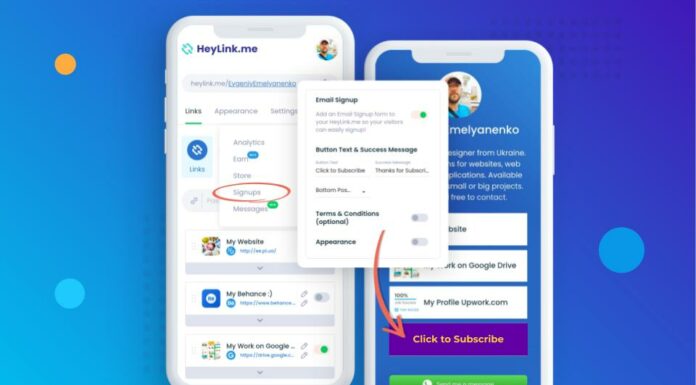
How to Set Up the "Email Signup" Button?
You can add the "Email Signup" field to your HeyLink.me page, so your visitors can easily signup.
This...
How to Add Clickable Link to Facebook profile in 2021 Using HeyLink.me?
Use your HeyLink.me to drive your Facebook audience to new content, products, brand partnerships, their other social channels, and more.
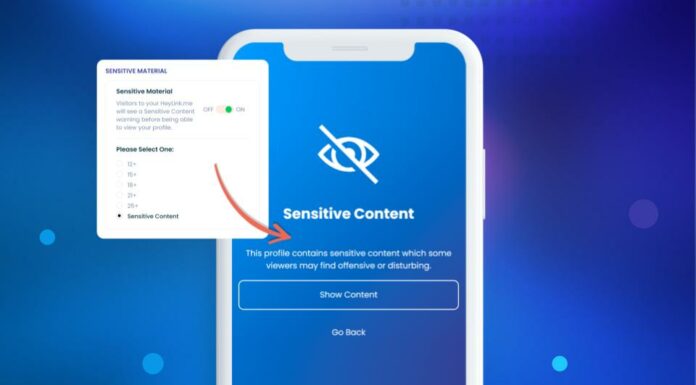
How to Enable the "Sensitive Material" Feature?
Ensure the privacy, security and compliance of your content with Sensitive Content Warnings and Age-sensitive warnings.
With the "Sensitive Material" feature, you can enable...
Create the Perfect Instagram Bio with HeyLink.me
You have just seconds to make a great first impression, and your Instagram bio is one of the best ways to convert Instagram users into your followers...
How to Add Clickable Link in Pinterest Bio in 2021 Using HeyLink.me?
Using HeyLink.me in your Pinterest bio can be a great way to connect your audience on Pinterest to your products, latest blog...
How to Use TikTok Pixel on HeyLink.me in 2021?
TikTok Pixel feature allows you to add your Pixel ID to your HeyLink.me webpage tracking.
This feature is available only for users...
How to Monetise Your Instagram in 2022: HeyLink.me Tips
There’s a lot of ways to make money on Instagram in 2021. Let's take a look at some of them.