


















How to Add Custom Domain to your HeyLink.me page in 2025?
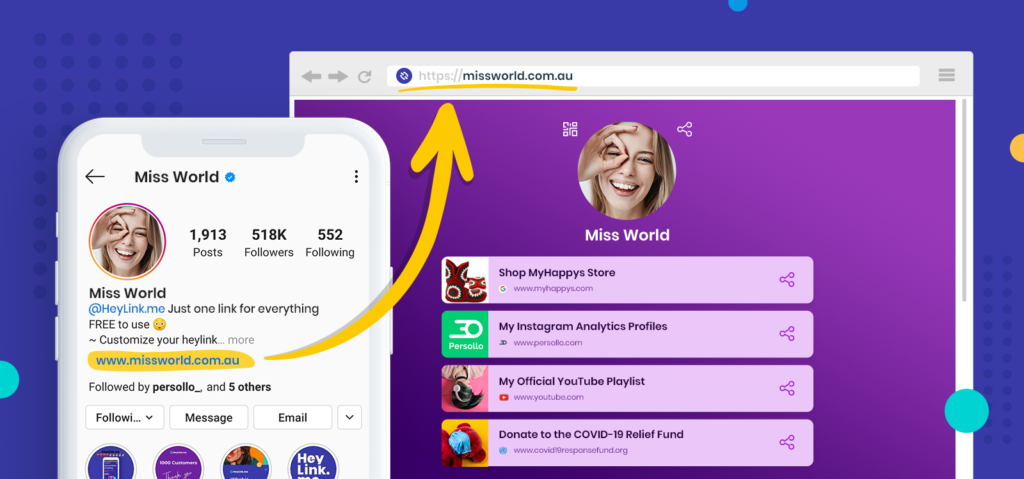
With HeyLink.me PRO, the Custom Domain feature empowers you to link your own domain with your HeyLink.me webpage. By displaying your unique URL instead of the default HeyLink.me URL, you can bolster your online presence and strengthen your branding.
This feature is available only for users with PRO subscription.
Follow these steps to to Add Custom Domain to your HeyLink.me page:
- Step 1: Navigate to the “Domains” tab in your dashboard
- Step 2: Find the “CUSTOM DOMAIN (WHITE-LABEL)” block
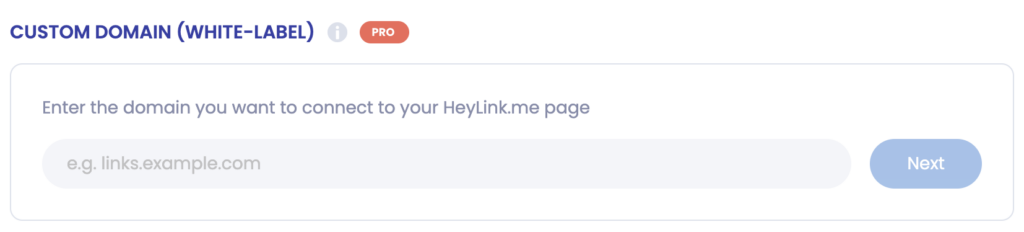
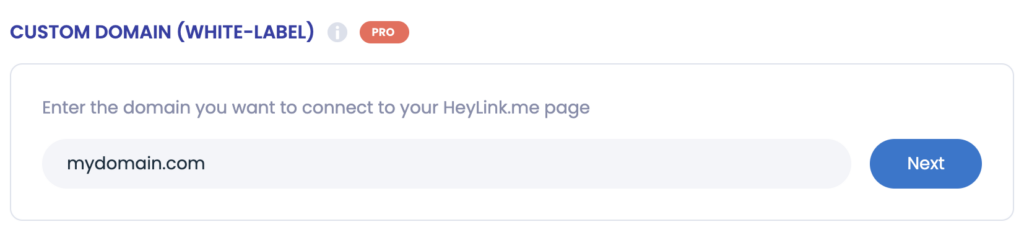
- Step 3: Enter the domain name and click the “Next” button
You will see all required DNS entries for further setup
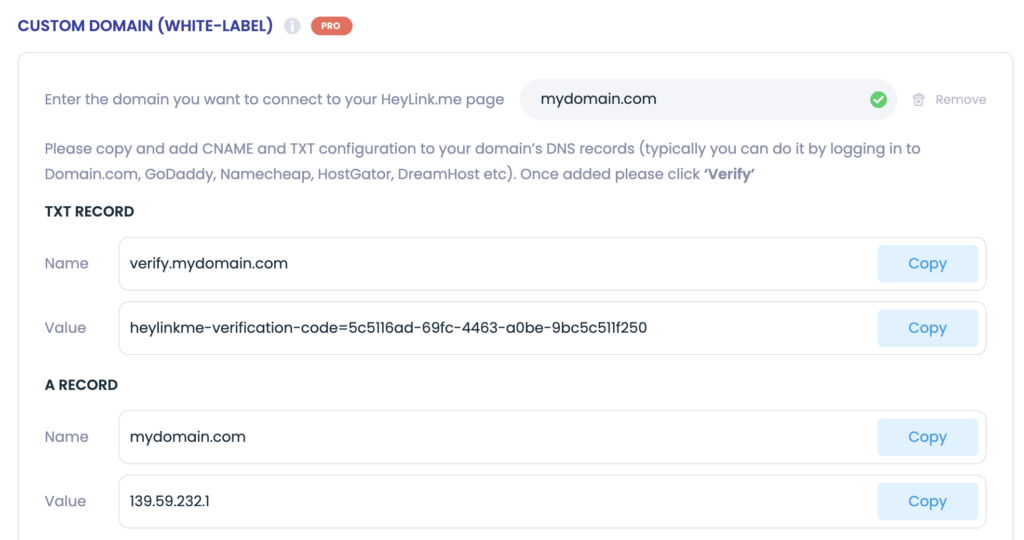
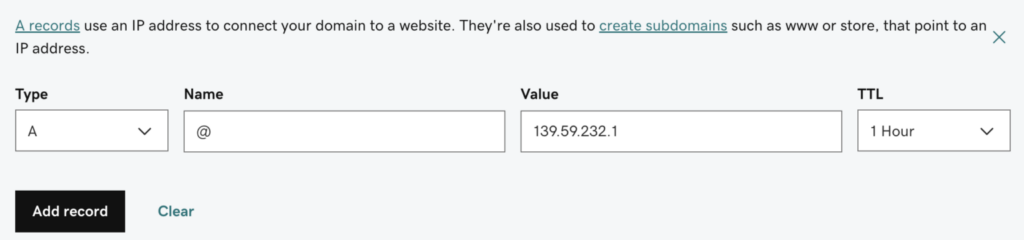
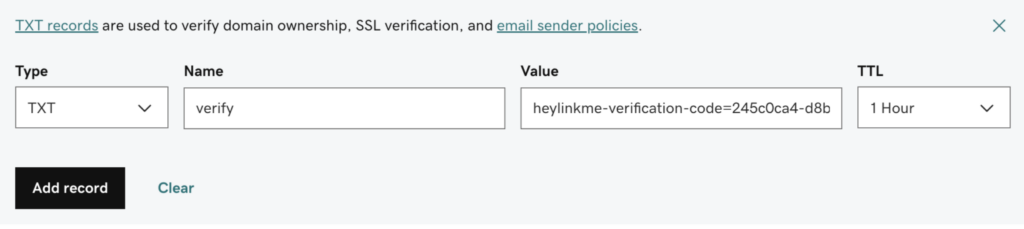
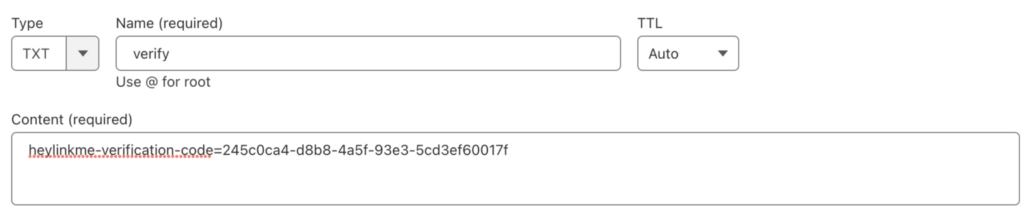
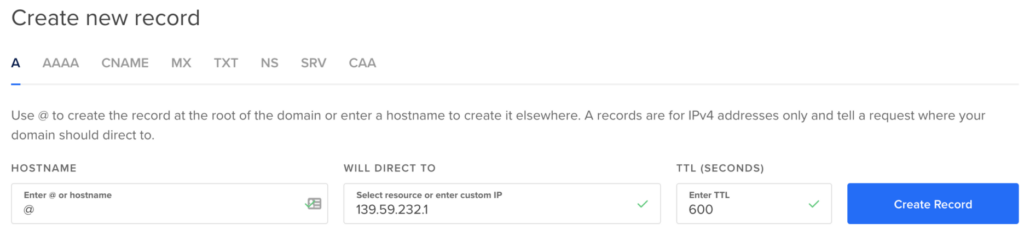
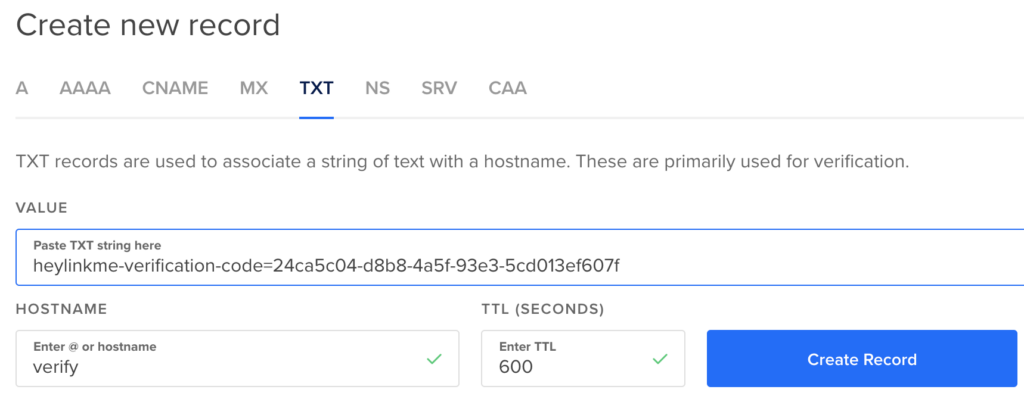
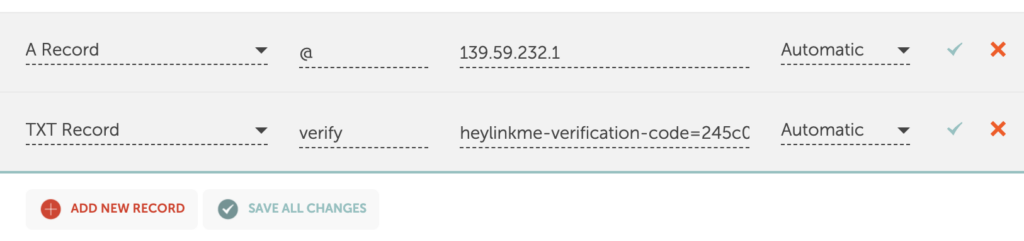
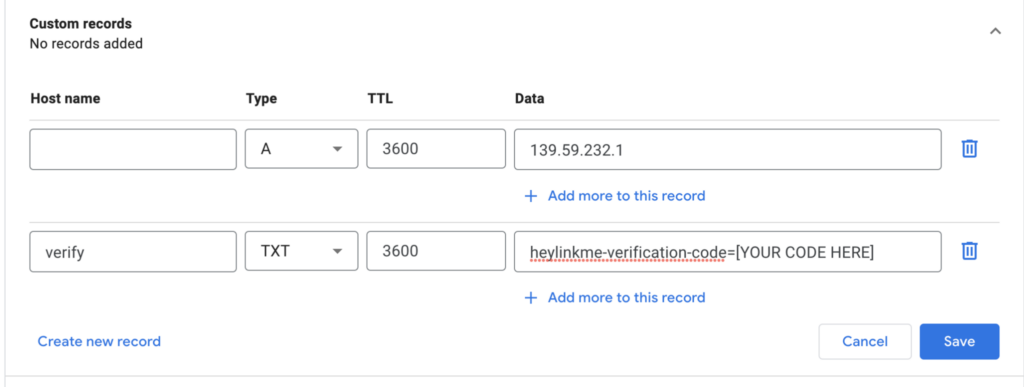
Then, please go to DNS Setup section of your domain service provider and enter TXT and CNAME entries.
Some examples for different domain providers:
GoDaddy
CloudFlare

Digital Ocean
Namecheap
Google Domains
- Step 4: Click the “Verify” button to verify your custom domain. If the domain is still not verified, you will see the “Verification in progress” notification. There is always some delay for DNS service to propagate updates. So even if you entered the information correctly, the notification will appear after some time.

When the domain is verified, you will see the next screen

Note: Additionally, if you are unsure about certain settings, you might need to check it with your Domain Service Provider.
Custom Domain Removal.
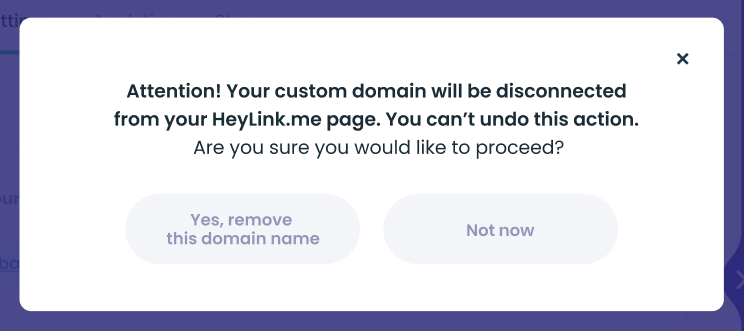
You can always delete the domain by clicking on the “Remove” button. HeyLink.me will require confirmation of this action.

You should confirm this action.
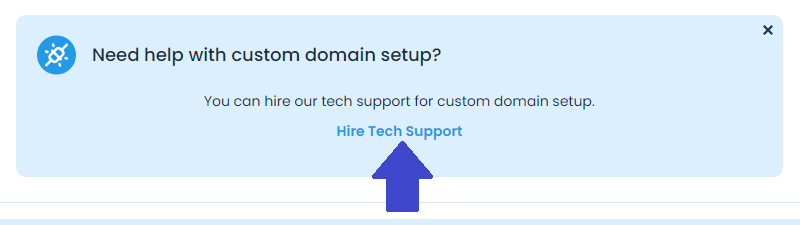
Need help with custom domain setup? You can hire our tech team.
How it Works:
Service Request. Do you want to connect your own domain to the HeyLink.me page? You send us a service request.
Service Team Assigned. We will process your request and get back to you.
Custom Domain Activated. We help you to update your DNS records and active custom domain. All your customers will be able to see your own URL and not HeyLink.me URL.
Want more features? Tell us!
If you like anything to be added – please let us know via the live website chat or via support@heylink.me. We love feedback and adding new features!
Here’s a suggestion: “Unlock your full potential with HeyLink.me PRO by making strategic first moves to enhance your online presence.”